For agencies
More client voices, with the team you have.
Run each client in their own Studio workspace, with their voices, their Buffer account and their approvers, and let Studio draft for them every day.
Already have an account? Log in
Every client wants a steady presence, and every client sounds different. Briefing writers, chasing approvals and keeping five voices straight eats into the work you love doing.
How Studio fits
01
A workspace per client.
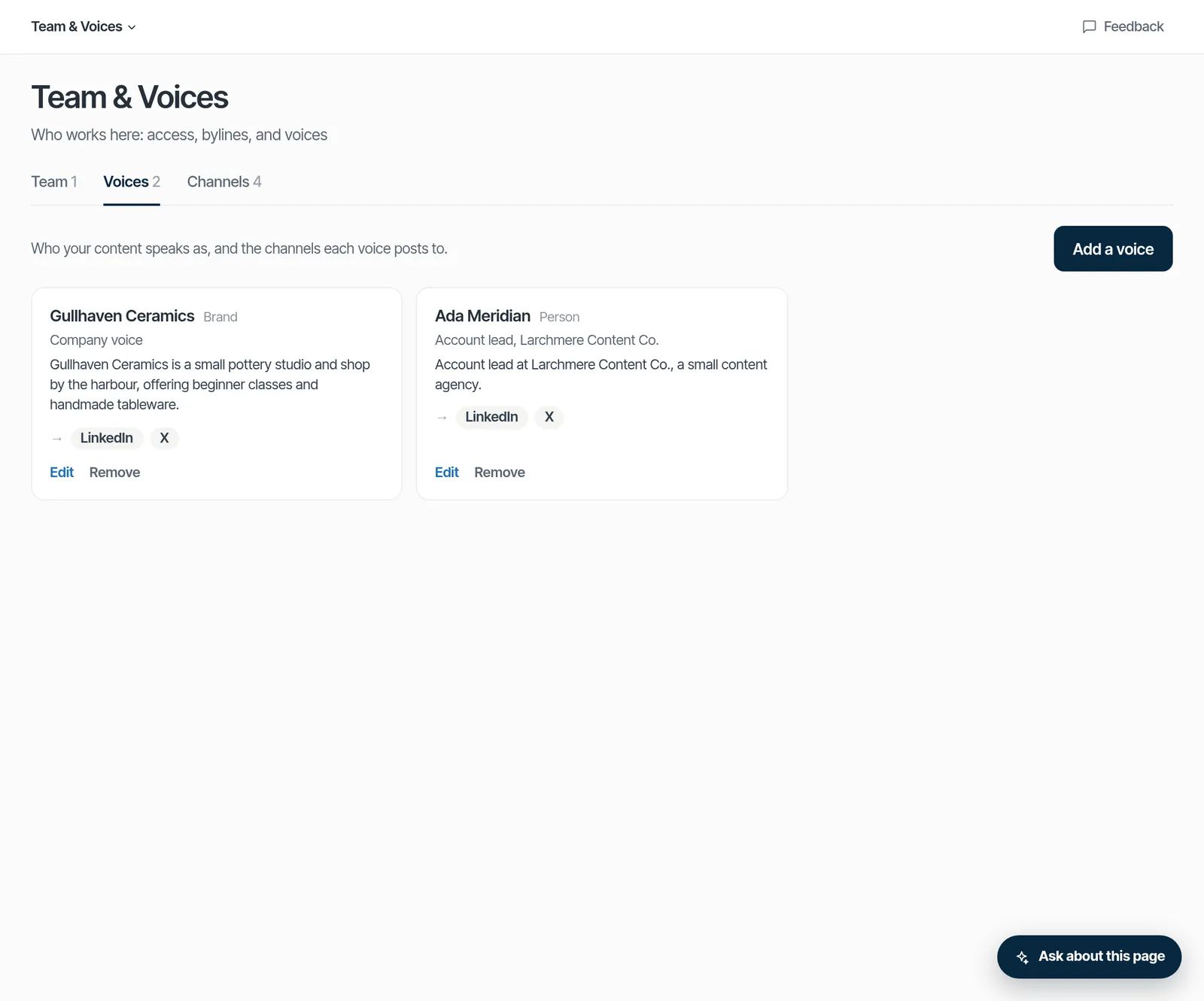
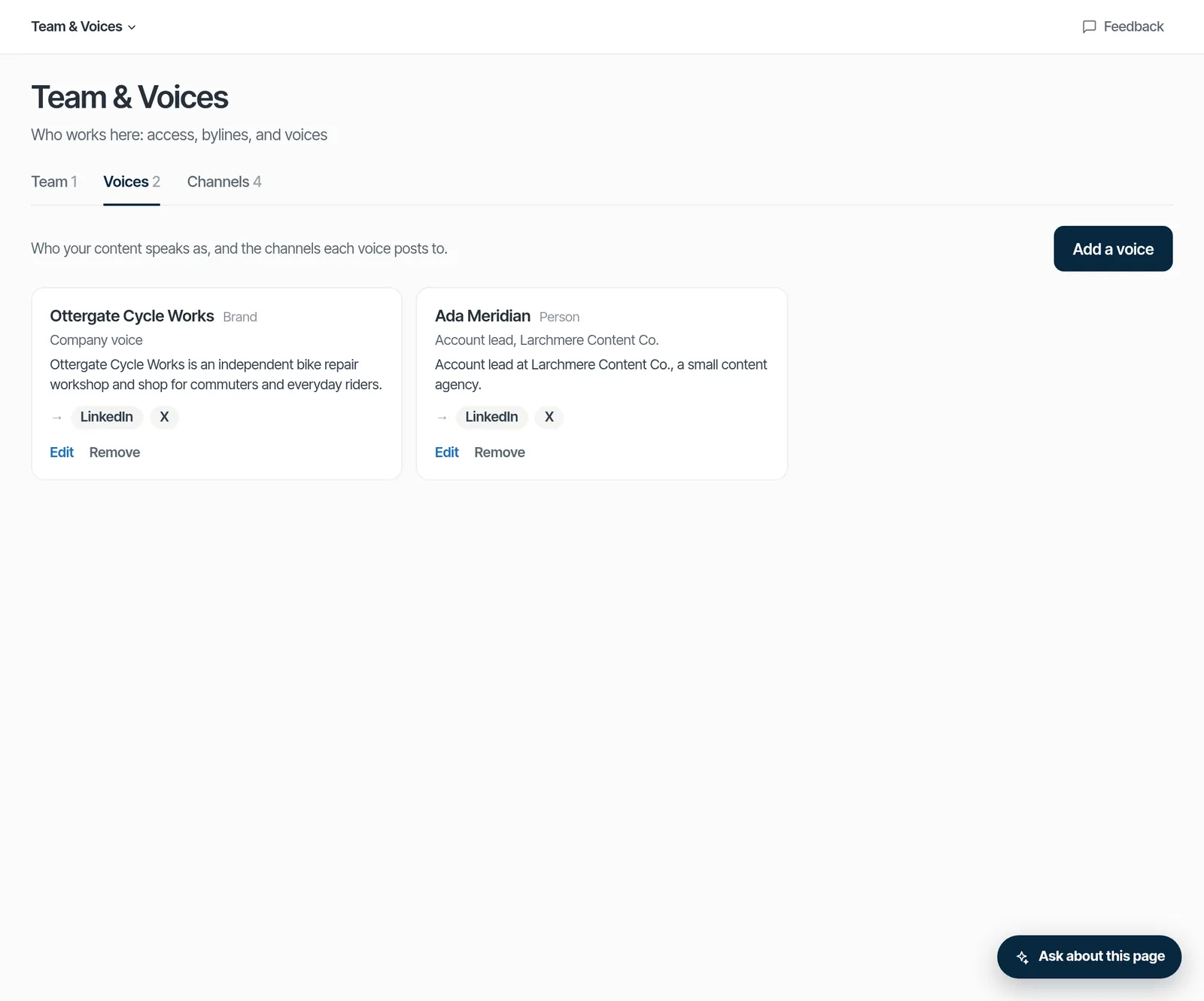
Each client gets their own voices, topics, Buffer account and monthly budget, kept apart.
W1 · STEP 16:10Product screenshot to come.
02
Clients approve in their own workspace.
Invite the client with the approver role. Your team drafts and edits, and they sign off.


03
Out through the client's own Buffer account, once connected.
Approved posts you schedule go to LinkedIn, X and Substack Notes at the times you choose, in their time zone. Without Buffer, each post is ready to copy and post.

Partner with us.
Start a workspace for your agency today.
Bring your own agents
Agent connections: Coming soonYour agency already runs research agents? Soon you'll connect them to each client's workspace over MCP with OAuth sign-in, approved by an owner or admin of that workspace. Once connected, they can read the client's topic categories and audiences, list ideas, add an idea and submit a content plan with a dry run. Connected agents can't approve, schedule or publish. A person approves in Studio. Every tool call is recorded as an agent run, and every change is logged.
AG1 · STEP 16:10Product screenshot to come.
What works today, and what's coming
Works today
- A workspace per client
- Your team in every client workspace
- Separate voices, Buffer and budget per client
- Clients as approvers in their own workspace
Coming soon
- One view across clients
- Switching between clients in the app
- Connecting your agents per client (MCP, OAuth sign-in)
What's true today
One email can belong to several client workspaces. When you sign in, Studio emails you one link per workspace: open the client you want to work in. Each workspace keeps its own voices, Buffer account, approvers and budget. Switching between clients in the app, and one view across clients, are coming soon.
Proof
- Seats per workspace by plan, enforced.
- Articles are checked before approval: sources, claims, voice. A failed check blocks approval until it's fixed.
- Each workspace's spending has a ceiling.
Let's build this with you.
Agencies are partners for us. Tell us about your clients, and we'll set it up with you.
Features used here
- FeatureYour voiceA voice for the company and each personRead more
- FeaturePublishingSchedule posts: through your Buffer once connected, or copy-and-postRead more
- FeatureArticle checksArticles checked before you approveRead more
- FeatureAgents (MCP)Bring your own agent over MCP · Coming soonRead more
- FeatureCampaignsWork toward a goal · turned on with youRead more